
Networking
Shop all 595 products
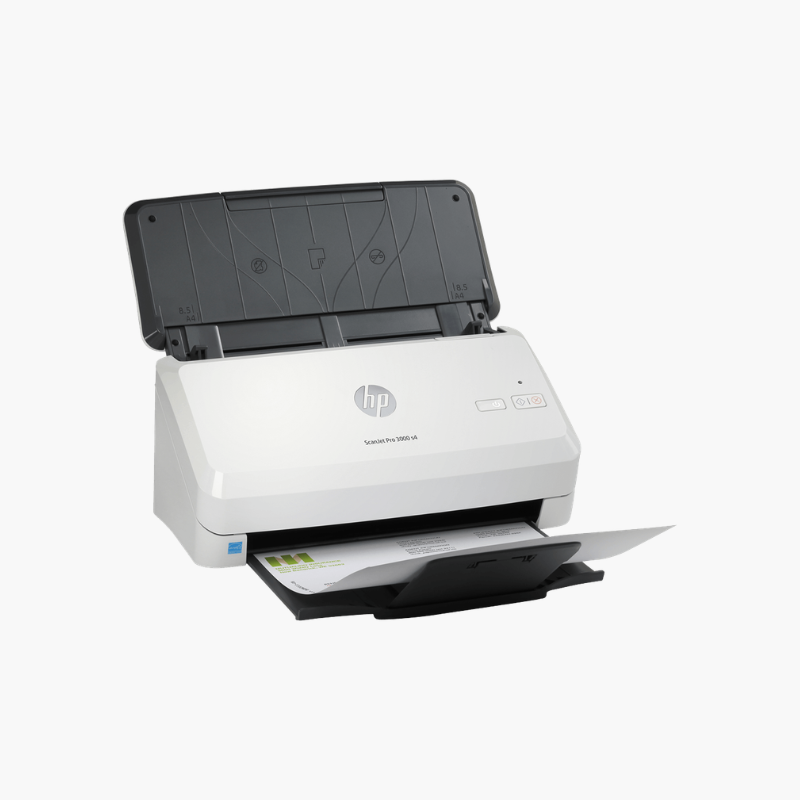
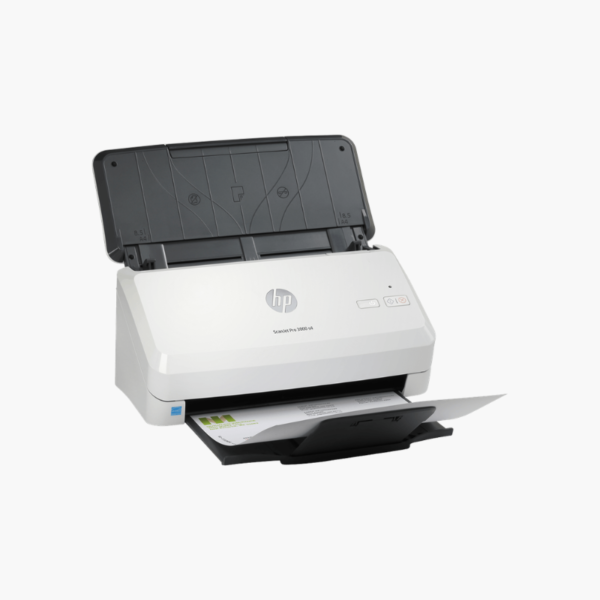
The HP ScanJet Pro 3000 s4 is a sheet-feed document scanner for offices with regular scanning workloads. It captures up to 40 pages or 80 images per minute in one-pass duplex, feeds 50 sheets per batch, scans at up to 600 dpi, and connects through USB 3.0 to Windows and Mac computers.
Deep-Dive Story & Problem/Solution
Front Desks and Back Offices Fall Behind on Daily Scanning
Reception desks, accounts teams, and records staff receive paper all day. A slow scanner creates a backlog, and documents wait in trays instead of reaching the people who need them.
The ScanJet Pro 3000 s4 processes a 50-sheet stack in a little over a minute and is rated for 4,000 pages a day. HP Scan software saves one-touch profiles for common destinations and file types.
Automatic features such as blank page removal, auto-orientation, and cropping reduce the clean-up needed after each batch.
Dependable Feeding
Ultrasonic multi-feed detection stops when two sheets pass together. The feeder accepts mixed paper weights, cards, and long documents.
Integration Options
TWAIN, ISIS, and WIA drivers connect the scanner to document management systems and line-of-business software.
Setup Instructions
How to Set Up the HP ScanJet Pro 3000 s4
- Connect power and the USB 3.0 cable to the computer.
- Install the HP Scan software and drivers from HP support.
- Load documents face down and set the paper guides.
- Choose a scan shortcut and start the scan.















Reviews
There are no reviews yet.