
Networking
Shop all 595 products
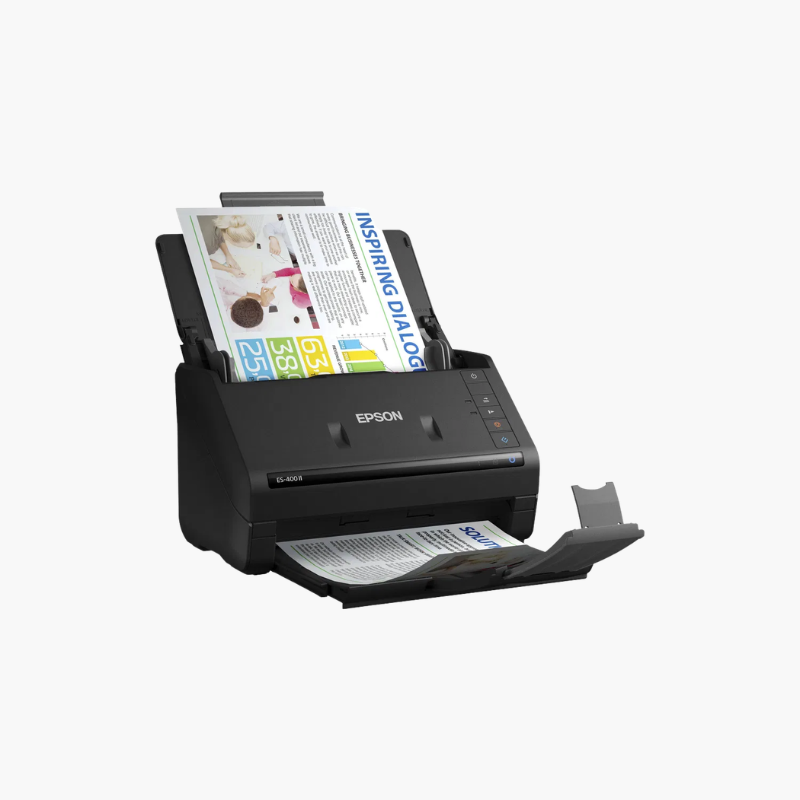
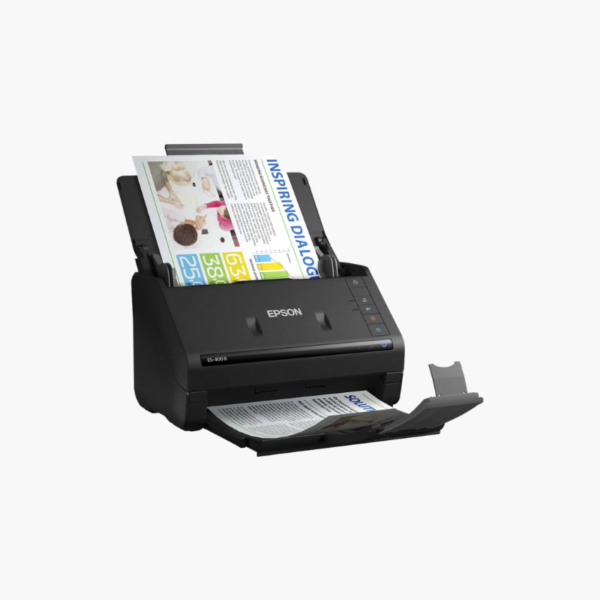
The Epson WorkForce ES-400 II is a color duplex desktop document scanner for home offices and small businesses. It scans up to 35 pages or 70 images per minute, holds 50 sheets in its auto document feeder, and includes Epson ScanSmart software and a TWAIN driver for use with common applications.
Deep-Dive Story & Problem/Solution
Loose Paperwork Piles Up Faster Than It Gets Filed
Bills, tax records, client forms, and receipts gather on desks because scanning them one at a time is tedious. Important documents become difficult to locate when they are needed.
The ES-400 II scans both sides of a 50-sheet stack in one run. ScanSmart software previews the scan, suggests file names, and saves searchable PDFs or sends files to email and cloud services.
Automatic cropping, blank page and background removal, and deskew produce clean files with no manual editing.
Handles Varied Originals
Business cards, ID cards, receipts, and long pages feed through the same path, with a rated peak of 4,000 sheets per day.
Small Desktop Footprint
At about 11.6 x 6.6 x 6.9 inches and 8.1 lbs, the scanner fits next to a monitor and folds closed when not in use.
Setup Instructions
How to Set Up the Epson ES-400 II
- Connect the power adapter and USB cable to the scanner and computer.
- Download and install Epson ScanSmart and the scanner driver.
- Open the input tray, set the edge guides, and load documents face down.
- Press the scan button and review the result in ScanSmart.















Reviews
There are no reviews yet.