
Networking
Shop all 595 products
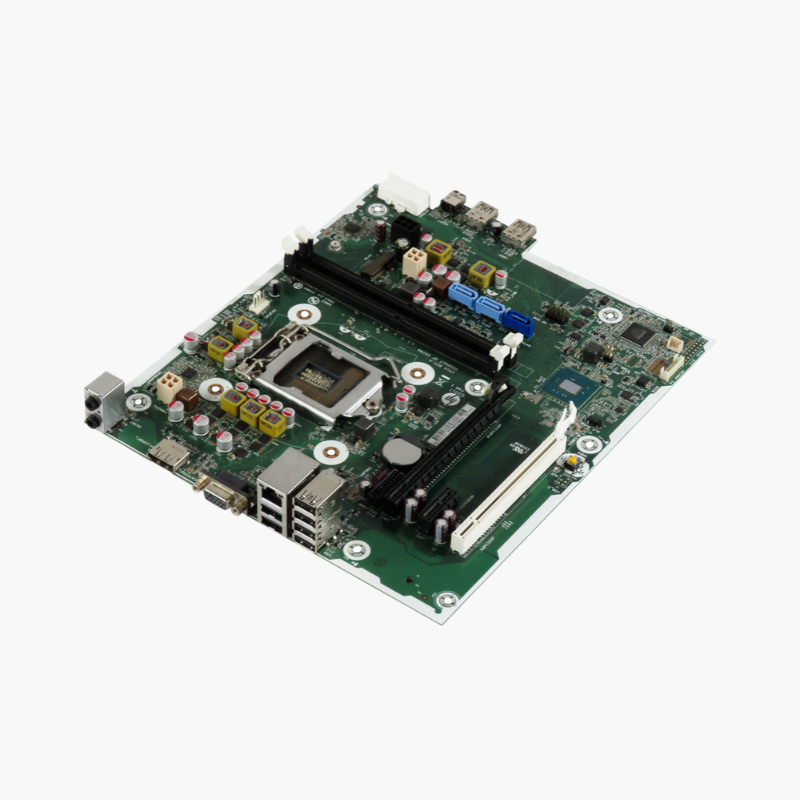
Restore a current-generation HP business desktop with its original system board.
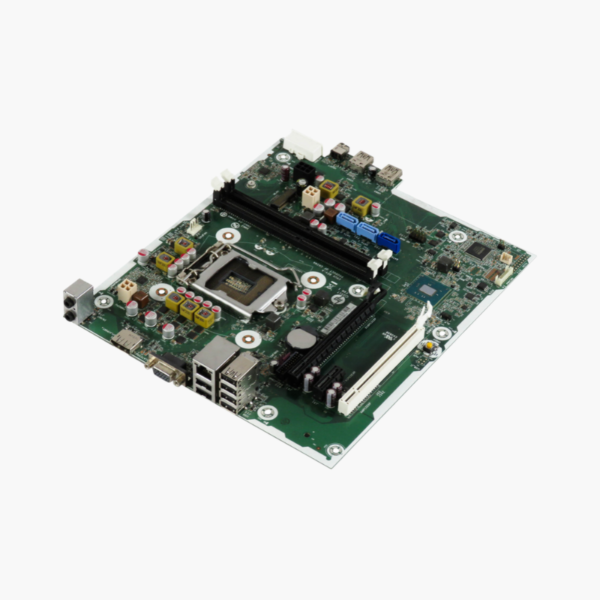
This is the OEM system board for the HP Pro Small Form Factor 400 G9 (ProDesk 400 G9 SFF). It uses the Intel Q670 chipset on LGA 1700, supports 12th and 13th Gen Intel Core processors, two DDR4-3200 DIMMs, M.2 NVMe storage and a PCIe 4.0 x16 slot. It is aimed at IT teams and repair shops supporting HP fleets.
Fast Recovery for Modern Business Desktops
The ProDesk 400 G9 SFF is common in offices because it is compact and efficient. When its board fails, generic replacements do not fit the SFF chassis, front-panel connectors or HP BIOS, so the board must match.
This OEM board installs in the original chassis with the existing processor, memory, NVMe drive and power supply. HP BIOS features such as Secure Boot, TPM and asset settings remain consistent with the rest of the fleet.
Q670 Platform for 12th and 13th Gen Intel
The Intel Q670 chipset supports 12th and 13th Gen Core i3/i5/i7 processors on LGA 1700. Two DDR4-3200 DIMM slots support up to 64GB for multitasking, virtual desktops and office applications.
Storage, Expansion and Display
An M.2 2280 slot for NVMe SSDs, an M.2 2230 slot for WLAN or storage, a PCIe 4.0 x16 slot and a PCIe 3.0 x1 slot cover upgrades. HDMI 1.4 and DisplayPort 1.4 provide dual-monitor output, and integrated Gigabit Ethernet handles networking.
Setup Instructions
How to Replace the ProDesk 400 G9 SFF Motherboard
- Shut down, unplug the system, remove the access panel and photograph all cable connections.
- Remove the cooler, processor, memory, M.2 SSD and any expansion cards from the old board.
- Install the replacement board in the SFF chassis, transfer the components (with new thermal paste) and reconnect all cables.
- Power on, enter the BIOS to set the serial number and product name if prompted, update the BIOS through HP tools, and confirm Windows activation.






Reviews
There are no reviews yet.