
Networking
Shop all 595 products
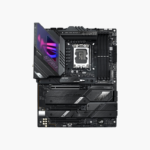

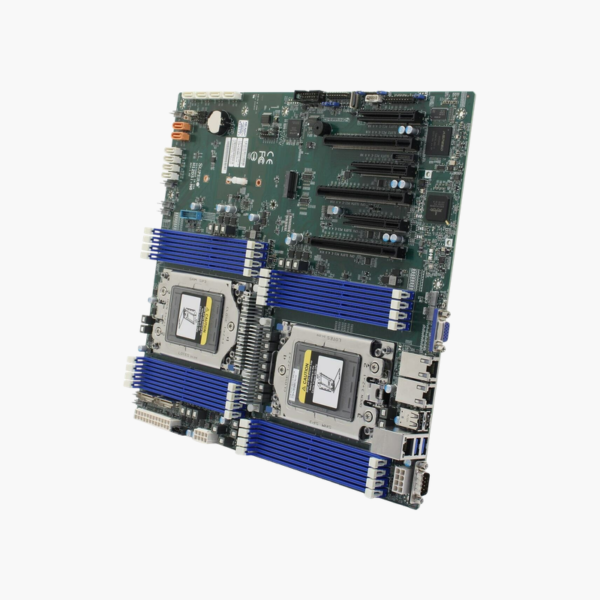
Two EPYC processors and up to 4TB of memory on one E-ATX board.
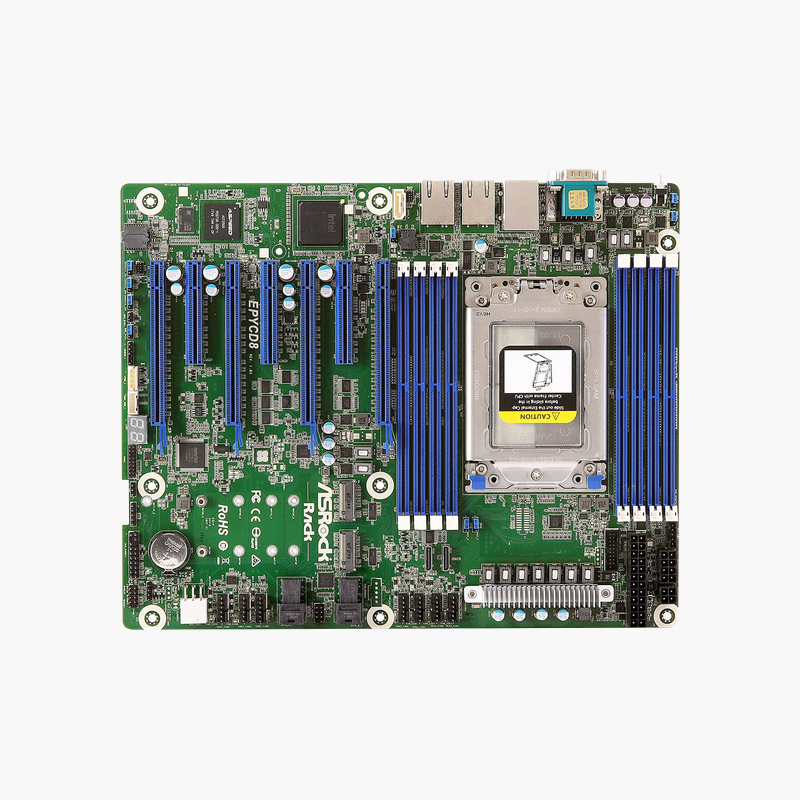
The Supermicro MBD-H12DSi-N6-O is a dual-socket E-ATX server motherboard for AMD EPYC 7003 and 7002 series processors. It supports up to 4TB of DDR4-3200 ECC memory across 16 DIMM slots, six PCIe 4.0 slots, four NVMe ports and ten SATA3 ports. It suits virtualization hosts, databases and storage servers.
When One Processor Is Not Enough
Single-socket servers hit limits on core count and memory capacity when you consolidate many virtual machines or run large in-memory databases. Adding a second server doubles licensing, rack space and power overhead.
The H12DSi-N6 places two EPYC sockets on one board, giving up to 128 cores and 16 memory channels: 16 DIMM slots hold up to 4TB of Registered ECC DDR4-3200. One chassis then handles the work of two.
Storage is designed for flash-first builds: four internal PCIe 4.0 x4 NVMe ports, ten SATA3 ports, two SATA DOM power connectors and an M.2 slot for boot media.
PCIe 4.0 Expansion for Accelerators and Networking
Three PCIe 4.0 x16 and three PCIe 4.0 x8 slots support GPUs, NVMe adapters, RAID/HBA controllers and 25/100GbE network cards. Onboard dual 1GbE ports (Broadcom BCM5720) handle management and light data traffic.
Remote Management With AST2600
The ASPEED AST2600 BMC provides IPMI 2.0, virtual media over LAN and KVM-over-LAN on a dedicated RJ-45 port. Eight 4-pin PWM fan headers and a TPM 2.0 header support controlled cooling and secure boot setups.
Setup Instructions
How to Set Up the Supermicro H12DSi-N6
- Install both EPYC processors (matching models) in the SP3 sockets using the specified torque sequence, then mount SP3 heatsinks.
- Populate Registered ECC DDR4 DIMMs evenly across both CPUs’ channels, following Supermicro’s memory population table.
- Mount the board in an E-ATX-compatible server chassis (12 x 13.05 in), connect the 24-pin and both 8-pin CPU power connectors, and cable NVMe, SATA and M.2 storage.
- Connect the dedicated IPMI port, log in to the BMC, update BIOS and BMC firmware, then install your hypervisor or operating system.





Reviews
There are no reviews yet.