
Networking
Shop all 595 products
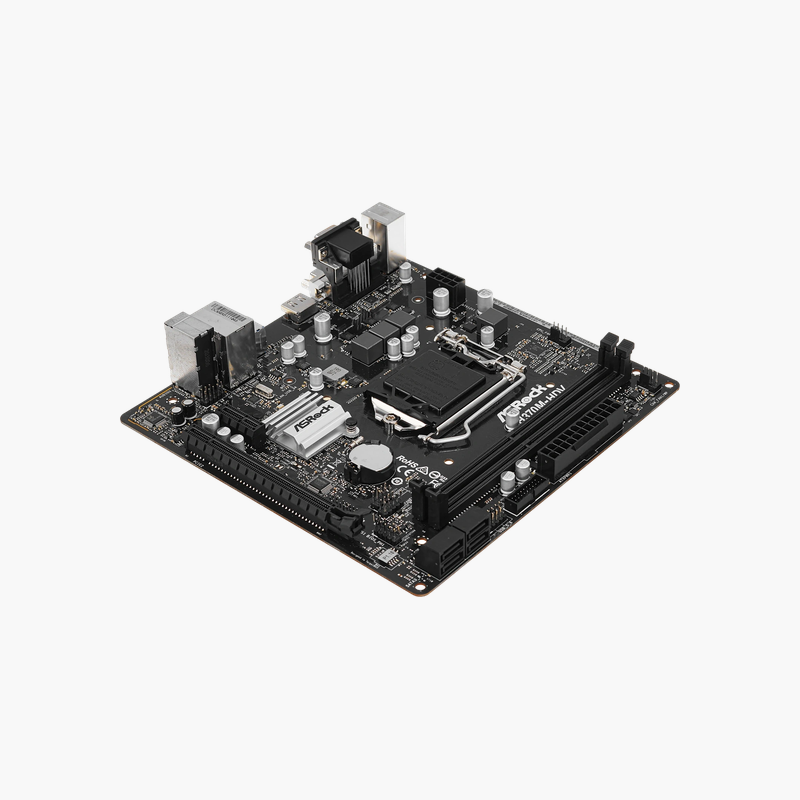
A dependable board for 8th and 9th Gen Intel desktops and repair replacements.
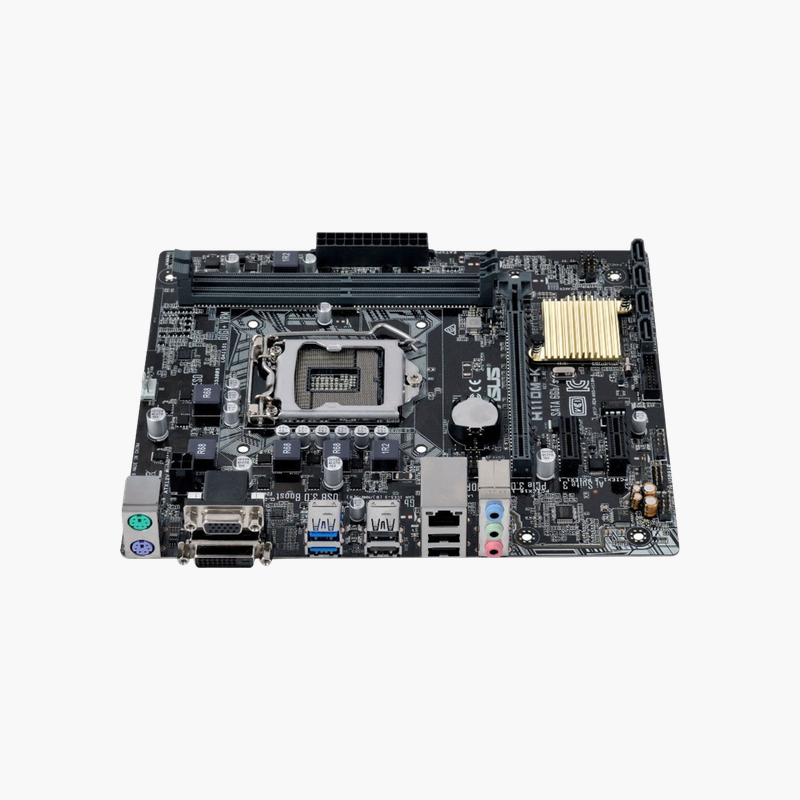
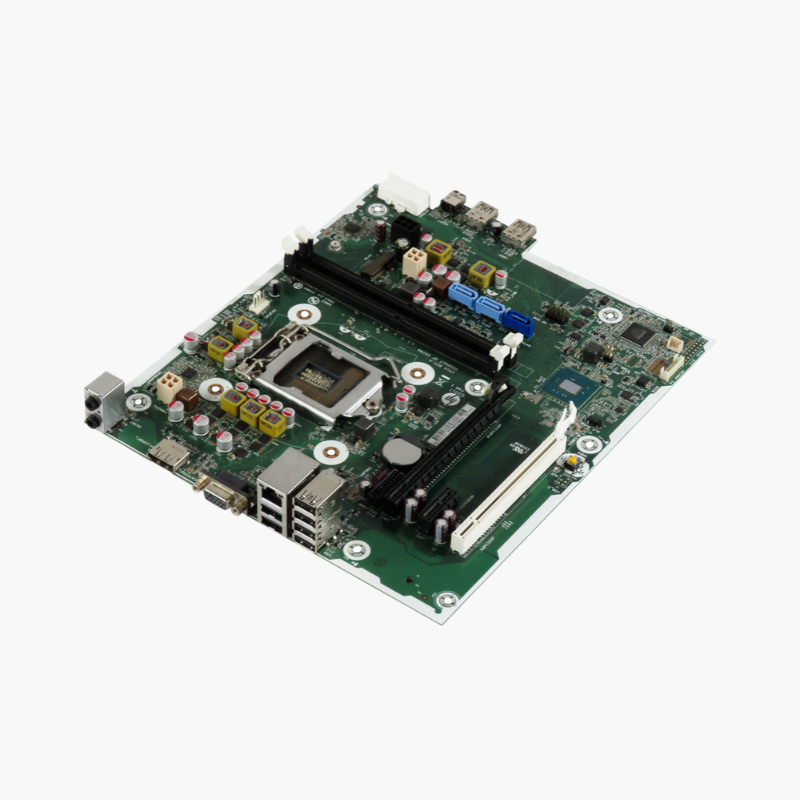
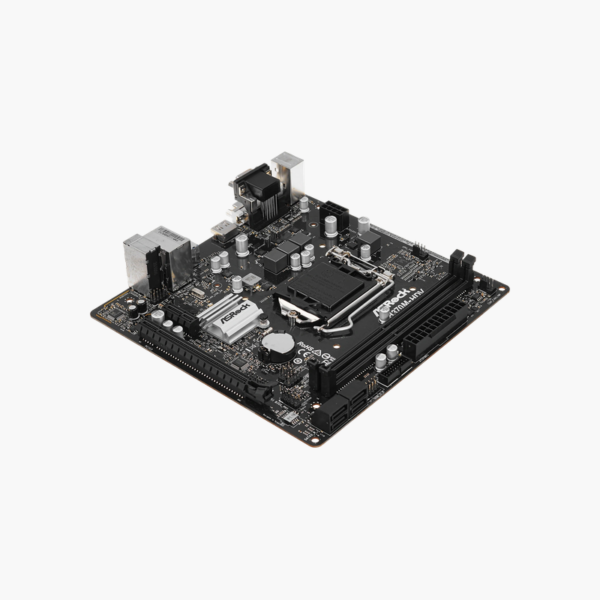
The ASRock H370M-HDV is a Micro-ATX motherboard for Intel 8th and 9th Gen processors on LGA 1151 (300 series). It supports up to 32GB of DDR4-2666, an Ultra M.2 slot, four SATA3 ports, Intel Gigabit LAN and HDMI, DVI-D and D-Sub outputs. It suits office PCs, home desktops and replacement builds.
Keeping 8th and 9th Gen Intel Systems Running
Many office and home PCs still run capable 8th and 9th Gen Intel processors. When the motherboard fails, buyers need a board that accepts the existing CPU and memory, because LGA 1151 processors from these generations do not work on older 100/200 series boards.
The H370M-HDV uses Intel’s 300-series H370 chipset, so it supports 8th and 9th Gen Core processors directly. It accepts DDR4 memory and standard SATA and M.2 drives, letting you rebuild the system with the parts you already have.
Storage and Expansion
The Ultra M.2 slot supports PCIe Gen3 x4 NVMe and SATA3 M.2 SSDs, and four SATA3 ports handle additional drives. A PCIe 3.0 x16 slot and two PCIe 3.0 x1 slots support graphics, network or I/O cards.
Business-Friendly I/O
Intel Gigabit LAN offers reliable wired networking, and HDMI, DVI-D and D-Sub outputs connect to new or older monitors. USB 3.1 Gen 1 and USB 2.0 ports and 7.1-channel HD audio cover standard peripherals.
Setup Instructions
How to Install the ASRock H370M-HDV
- Install the LGA 1151 (8th/9th Gen) processor and cooler, then fit DDR4 memory in both DIMM slots and your M.2 SSD before mounting the board.
- Mount the board in the case and connect the 24-pin ATX, CPU power and front-panel headers.
- Connect SATA drives and your monitor to the HDMI, DVI-D or D-Sub port.
- Power on into the UEFI BIOS, enable the XMP/EXPO memory profile, update the BIOS using Instant Flash, and install ASRock chipset, LAN and audio drivers.





Reviews
There are no reviews yet.