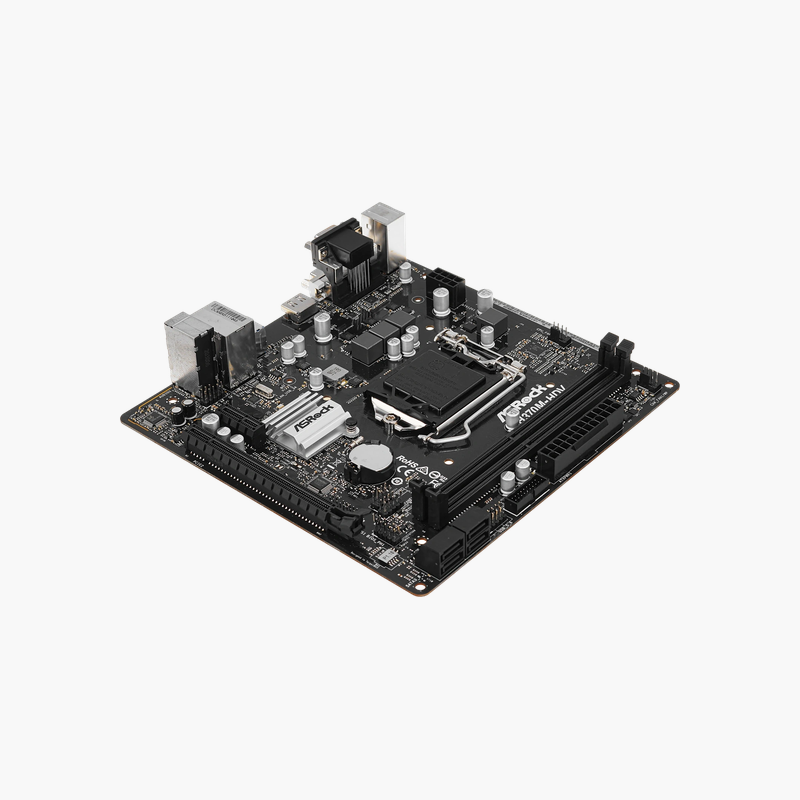
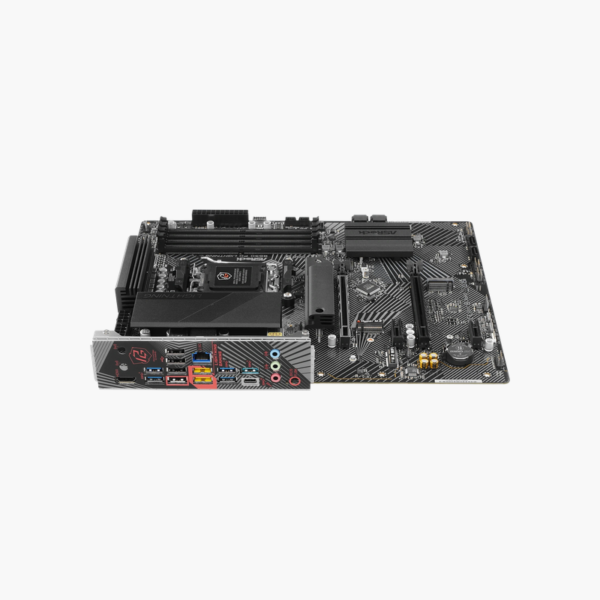
ASRock H370M-HDV Micro-ATX Motherboard — Intel H370, LGA 1151 (8th/9th Gen), DDR4, Ultra M.2
ASRock H370M-HDV Micro-ATX Motherboard — Intel H370, LGA 1151 (8th/9th Gen), DDR4, Ultra M.2 Price on RequestRequest a quote for volume pricing, availability and lead time.
Back to products
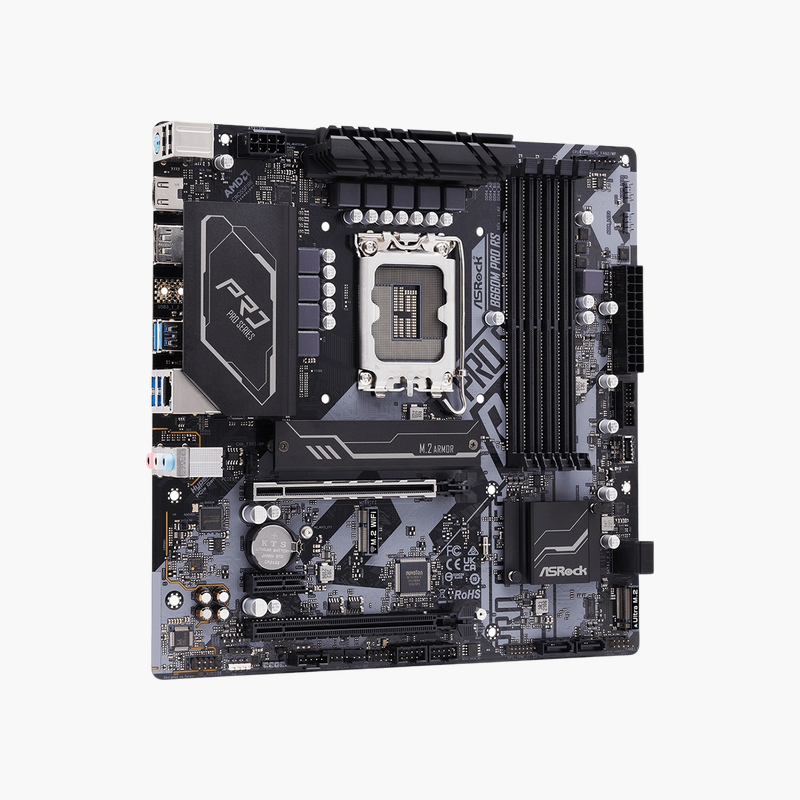
ASRock B760 Pro RS/D4 ATX Motherboard — LGA 1700, DDR4 5333+ (OC), 3x PCIe 4.0 M.2, 2.5G LAN
ASRock B760 Pro RS/D4 ATX Motherboard — LGA 1700, DDR4 5333+ (OC), 3x PCIe 4.0 M.2, 2.5G LAN Price on RequestRequest a quote for volume pricing, availability and lead time.

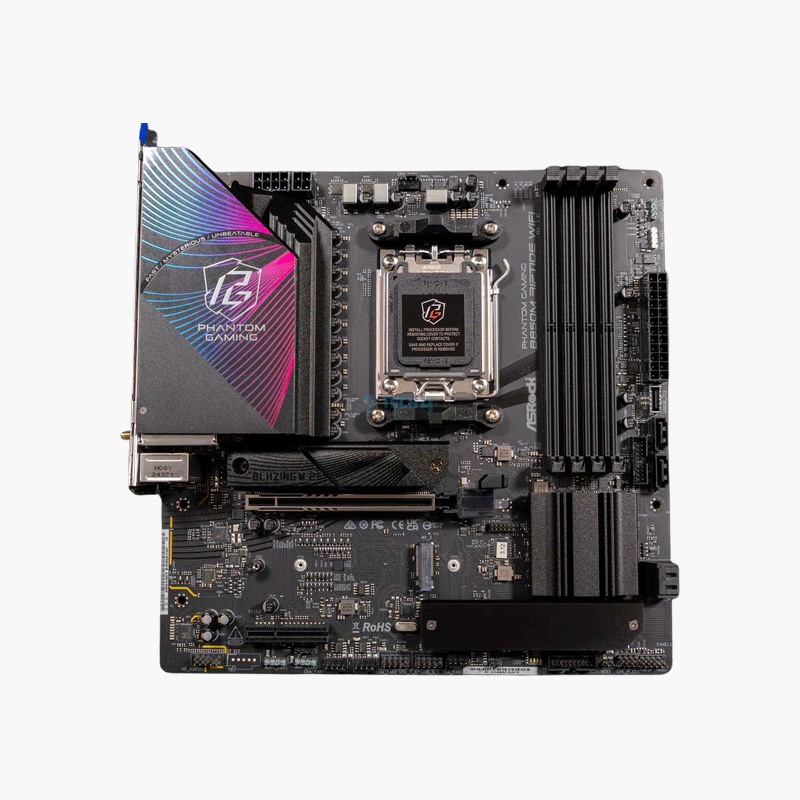
ASRock B650 PG Lightning ATX Motherboard — AM5, DDR5, PCIe 5.0 M.2, 2.5G LAN, USB 3.2 Gen2x2

SKU: ASROCK-B650-PG-LIGHTNING
  • 30-Day Hassle Free Returns
  • Secure Payment Options

Price on RequestRequest a quote for volume pricing, availability and lead time.

Key Value Highlights

  • AMD B650 chipset, AM5 – An affordable entry to AM5 for Ryzen 7000, 8000 and 9000 processors.
  • PCIe 5.0 x4 Blazing M.2 – Gen5 NVMe SSD support, uncommon on boards at this price.
  • 3x M.2 + 4x SATA3 – Room for multiple NVMe drives and hard drives.
  • 2.5G LAN + USB 3.2 Gen2x2 Type-C – Fast wired networking and a 20Gbps rear USB-C port.
  • 4x DDR5, 6400+ MT/s (OC) – Dual-channel DDR5 with EXPO support.

Description

Budget AM5 with a PCIe 5.0 M.2 slot and the I/O most gamers actually use.

The ASRock B650 PG Lightning is an ATX motherboard for AMD Ryzen 7000, 8000 and 9000 processors on Socket AM5. It offers four DDR5 slots, a PCIe 5.0 x4 M.2 slot, three M.2 slots in total, 2.5G LAN and a USB 3.2 Gen2x2 Type-C port. It suits budget gaming and productivity builds.

A Low-Cost Path to AM5 That Still Supports Gen5 SSDs

Entry-level AM5 boards usually limit storage to PCIe 4.0, which means a Gen5 SSD runs at half its rated speed. Upgrading to X670 or X870 just to get a Gen5 M.2 slot costs much more.

The B650 PG Lightning includes a Blazing M.2 slot wired for PCIe 5.0 x4 from the CPU. You can start with a Gen4 SSD today and move to Gen5 storage later without replacing the board.

Graphics, Storage and Expansion

Two PCIe 4.0 x16-size slots support a graphics card and an expansion card, and a PCIe x1 slot adds further options. Three M.2 slots (one Gen5 and two Gen4) and four SATA3 ports with RAID 0/1/10 provide plenty of storage.

Connectivity for Gaming

A 2.5G LAN port handles fast wired networking, and the rear USB 3.2 Gen2x2 Type-C port supports 20Gbps external drives. HDMI output supports Ryzen integrated graphics, and 7.1-channel audio with Nahimic covers headsets.

Setup Instructions

How to Install the ASRock B650 PG Lightning

  1. Install the AM5 Ryzen processor and cooler, then fit DDR5 memory (A2 and B2 for two sticks) and your M.2 SSD before mounting the board.
  2. Mount the board in the case and connect the 24-pin ATX, CPU power and front-panel headers.
  3. Install the graphics card in the top PCIe x16 slot and place your fastest SSD in the Blazing M.2 (Gen5) slot.
  4. Power on into the UEFI BIOS, enable the XMP/EXPO memory profile, update the BIOS using Instant Flash, and install ASRock chipset, LAN and audio drivers.

Overview

Model NumberB650 PG Lightning
BrandASRock (Phantom Gaming)
ChipsetAMD B650
CPU SocketAMD AM5
Supported ProcessorsAMD Ryzen 7000 / 8000 / 9000 Series (BIOS update for 9000)
Form FactorATX
Memory Support4x DDR5, up to 128GB, 6400+ MT/s (OC)
Expansion Slots2x PCIe 4.0 x16-size, 1x PCIe x1
M.2 Storage3x M.2 (1x Blazing PCIe 5.0 x4, 2x PCIe 4.0)
SATA Ports4x SATA3 6Gb/s (RAID 0/1/10)
Networking2.5G LAN
Rear USBUSB 3.2 Gen2x2 Type-C, USB 3.2 Gen 2, Gen 1, USB 2.0
Video OutputHDMI
Audio7.1-channel HD Audio with Nahimic
ConditionBrand New

Frequently Asked Questions

Find answers to common questions about this product.

Customer Reviews

Reviews

There are no reviews yet.

Be the first to review “ASRock B650 PG Lightning ATX Motherboard — AM5, DDR5, PCIe 5.0 M.2, 2.5G LAN, USB 3.2 Gen2x2”

Your email address will not be published. Required fields are marked *