
Networking
Shop all 595 products

A value AM4 board that brings PCIe 4.0 to Ryzen 5000 gaming builds.
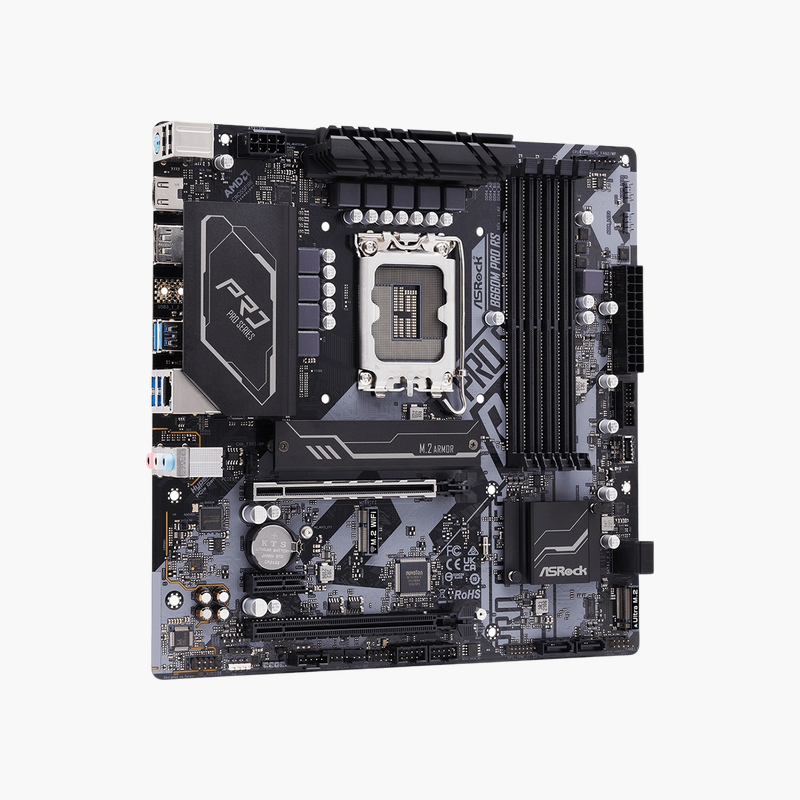
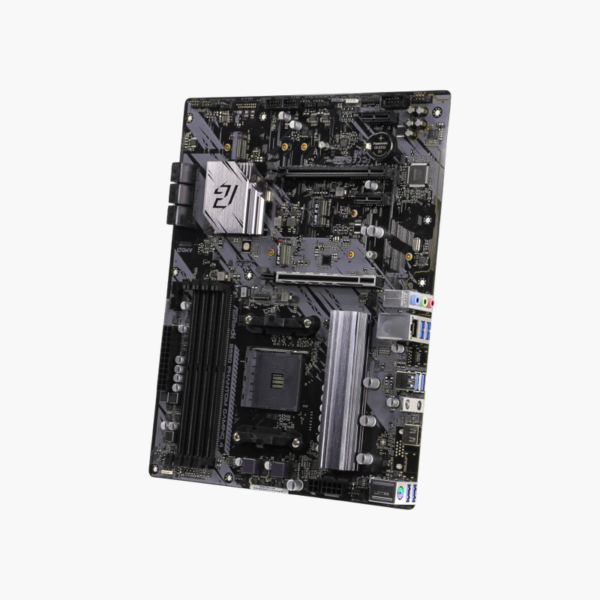
The ASRock B550 Phantom Gaming 4 is an ATX motherboard for AMD Ryzen 3000, 4000G and 5000 series processors on Socket AM4. It offers PCIe 4.0 graphics and M.2 storage, four DDR4 slots up to 128GB, six SATA3 ports and HDMI output. It suits budget gaming and home builds that use the mature AM4 platform.
Why AM4 Still Makes Sense for Budget Gaming
AM4 offers a large range of affordable Ryzen 5000 processors and low-cost DDR4 memory. For a budget gaming PC, the total platform cost is often well below an equivalent AM5 build.
The B550 chipset adds PCIe 4.0 to AM4, so the B550 Phantom Gaming 4 gives full Gen4 bandwidth to the graphics card and the primary M.2 SSD. It supports DDR4 overclocking up to 4733+ MHz, which helps Ryzen processors that benefit from fast memory.
Storage and Expansion
The Hyper M.2 slot runs at PCIe 4.0 x4 from the CPU, and a second M.2 slot from the chipset supports additional SSDs. Six SATA3 ports handle hard drives and SATA SSDs. Expansion includes a PCIe 4.0 x16 slot, a second x16-size slot from the chipset and x1 slots.
Practical I/O for Gaming Builds
HDMI output supports Ryzen 4000G and 5000G APUs without a graphics card. Gigabit LAN, USB 3.2 Gen 2 and Gen 1 ports and 7.1-channel HD audio cover daily use, and the ATX layout fits standard mid-tower cases.
Setup Instructions
How to Install the ASRock B550 Phantom Gaming 4
- Install the AM4 Ryzen processor and cooler, then fit DDR4 memory (A2 and B2 for two sticks) and your M.2 SSD before mounting the board.
- Mount the board in the case and connect the 24-pin ATX, CPU power and front-panel headers.
- Install the graphics card in the top PCIe 4.0 x16 slot and connect SATA drives.
- Power on into the UEFI BIOS, enable the XMP/EXPO memory profile, update the BIOS using Instant Flash, and install ASRock chipset, LAN and audio drivers.





Reviews
There are no reviews yet.