
Networking
Shop all 595 products
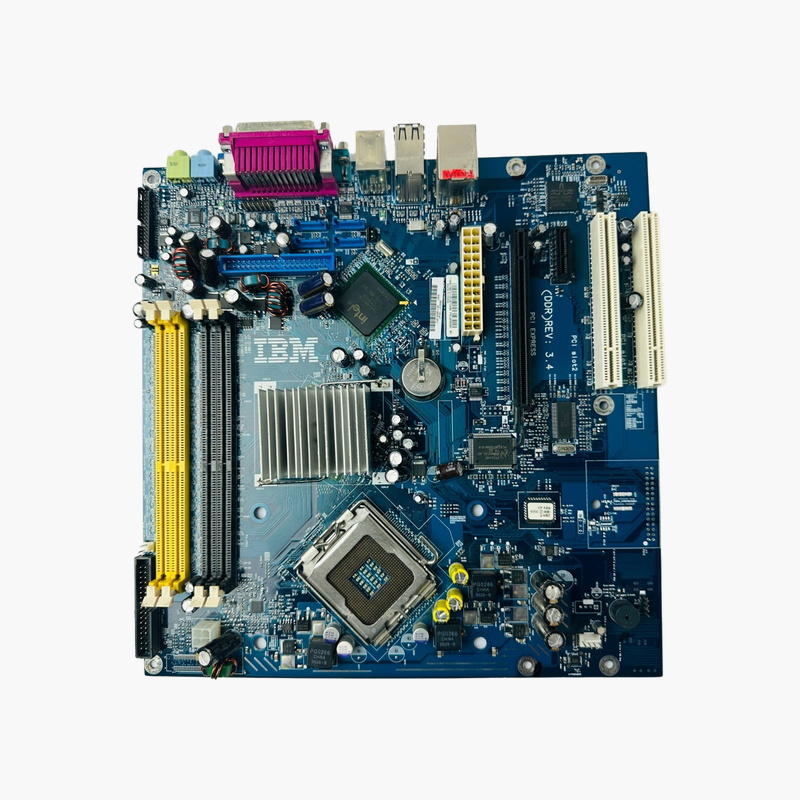
Keep legacy ThinkCentre M51 systems running with the original IBM system board.
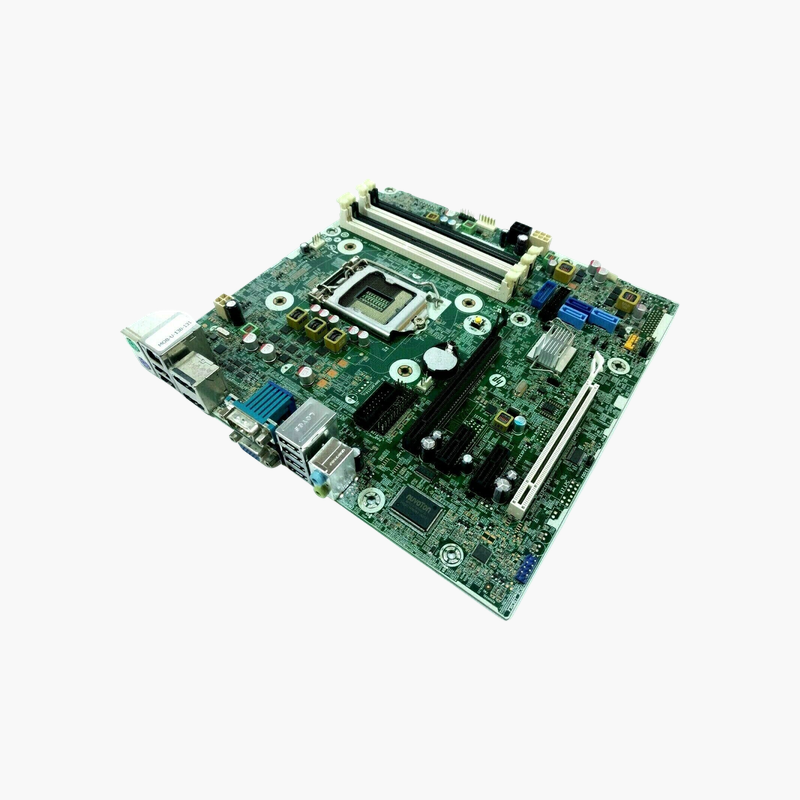
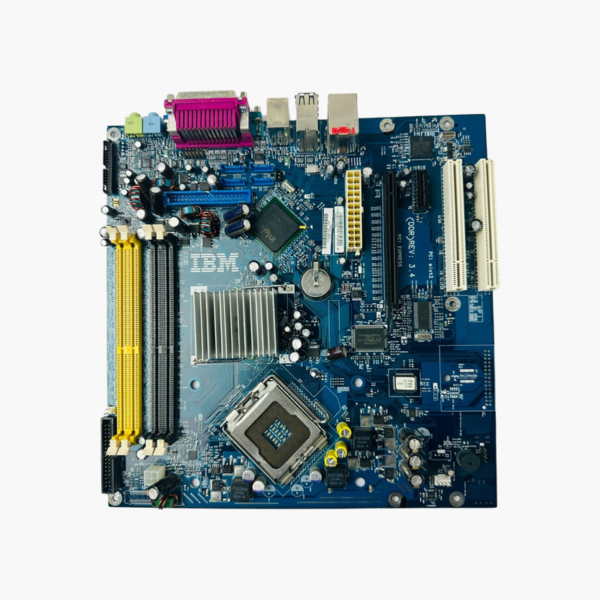
The IBM 29R8260 / 41D0666 is the replacement system board for Lenovo ThinkCentre M51 desktops. It uses an Intel LGA 775 socket, four DDR DIMM slots and onboard Gigabit Ethernet. It is a refurbished part for businesses, labs and industrial users who must keep older machines running for legacy software or hardware.
Why Legacy Systems Still Need Exact Replacement Parts
Older ThinkCentre desktops often run software, control equipment or interface cards that do not work on modern PCs. When the board fails, migrating that setup to new hardware can take weeks of testing.
Replacing the board with the original FRU keeps everything the same: the chassis, power supply, drives, BIOS behavior and operating system. The machine returns to service without reinstalling or revalidating the software.
Original Platform Specifications
The board uses Socket LGA 775 for Intel processors offered in the ThinkCentre M51 and an Intel Express chipset with integrated graphics. Four DDR DIMM slots accept DDR (DDR1) desktop memory, so the original modules can be reused.
Connectivity for Legacy Setups
Onboard Gigabit Ethernet, SATA and IDE storage connectors, PCI and PCIe expansion slots, USB and serial ports keep older drives, controllers and peripherals working.
Setup Instructions
How to Replace the ThinkCentre M51 System Board
- Power down, unplug the system, open the case and photograph cable connections before removing the old board.
- Transfer the LGA 775 processor (with fresh thermal paste), heatsink and DDR memory modules to the replacement board.
- Install the board, reconnect power, SATA/IDE, front-panel and fan cables, and refit any expansion cards.
- Power on, load BIOS defaults, set the date and boot order, and confirm the operating system and legacy devices work correctly.




Reviews
There are no reviews yet.