
Networking
Shop all 595 products
A simple, affordable LGA 1151 board for everyday desktops and repair builds.
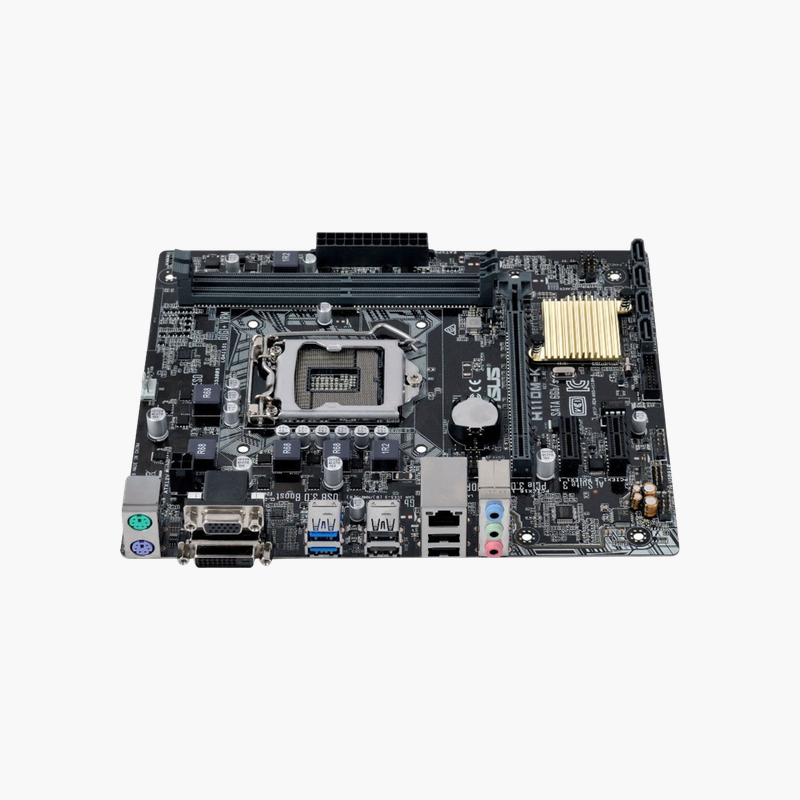
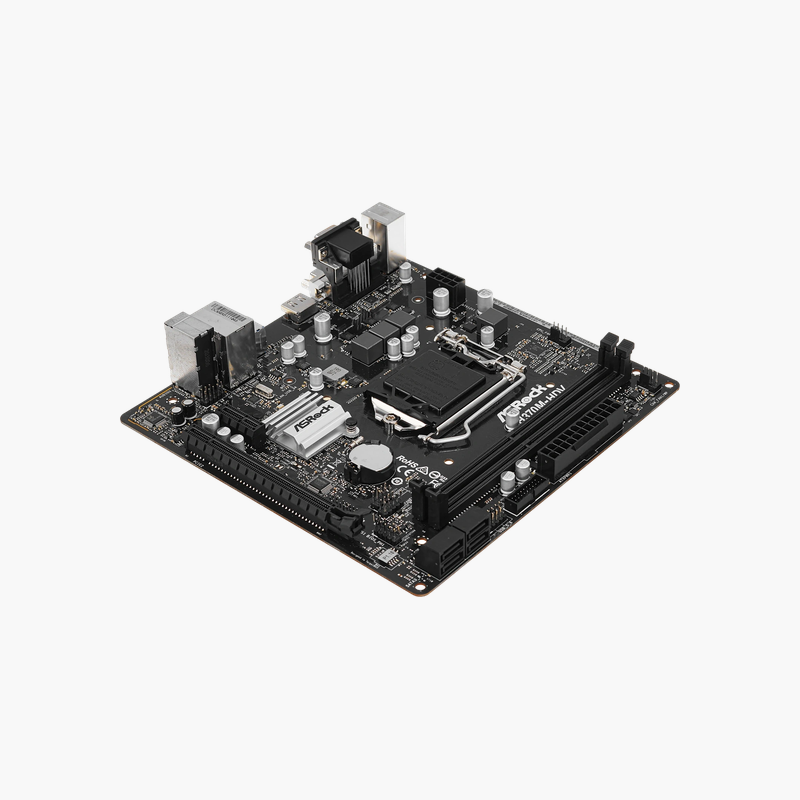
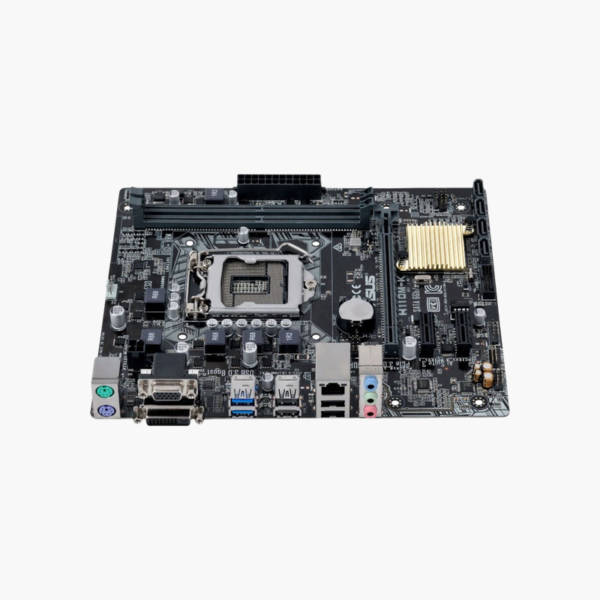
The ASUS H110M-K is a compact Micro-ATX motherboard for Intel 6th Gen Core, Pentium and Celeron processors on Socket LGA 1151. It supports up to 32GB of DDR4, four SATA 6Gb/s ports, Realtek Gigabit LAN and DVI-D and D-Sub outputs. It suits entry-level home and office PCs and cost-effective repairs.
A Budget Board That Covers Everyday Desktop Needs
Not every PC needs PCIe 5.0 or Wi-Fi 7. For web browsing, office software and school work, buyers want a stable board at a low price that boots reliably and supports the parts they already have.
The H110M-K provides exactly that. It runs 6th Gen Intel processors on the H110 chipset, accepts two DDR4 DIMMs for up to 32GB, and offers a PCIe 3.0 x16 slot plus two PCIe 2.0 x1 slots. That is enough for an office or home PC built around an existing CPU and memory.
Reliable Core Features
Four SATA 6Gb/s ports support SSDs and hard drives, and a Realtek RTL8111H controller provides Gigabit Ethernet. Realtek ALC887 8-channel audio handles speakers and headsets, and the rear panel includes two USB 3.1 Gen 1 ports and four USB 2.0 ports.
Small Footprint for Compact Cases
At 22.6 x 18.3 cm, the board fits compact Micro-ATX cases and slim office towers. DVI-D and D-Sub outputs connect to the integrated Intel HD Graphics, so no graphics card is needed for office use.
Setup Instructions
How to Install the ASUS H110M-K
- Install the LGA 1151 processor, fit the cooler with thermal paste, and insert DDR4 memory in both slots for dual-channel mode.
- Mount the board in the case and connect the 24-pin ATX, 4-pin CPU power and front-panel headers.
- Connect SATA drives and the monitor to the DVI-D or D-Sub port (or install a graphics card in the PCIe x16 slot).
- Power on, confirm the CPU and memory in the BIOS, update the BIOS if using a 7th Gen processor, and install ASUS chipset, LAN and audio drivers.





Reviews
There are no reviews yet.