
Networking
Shop all 595 products

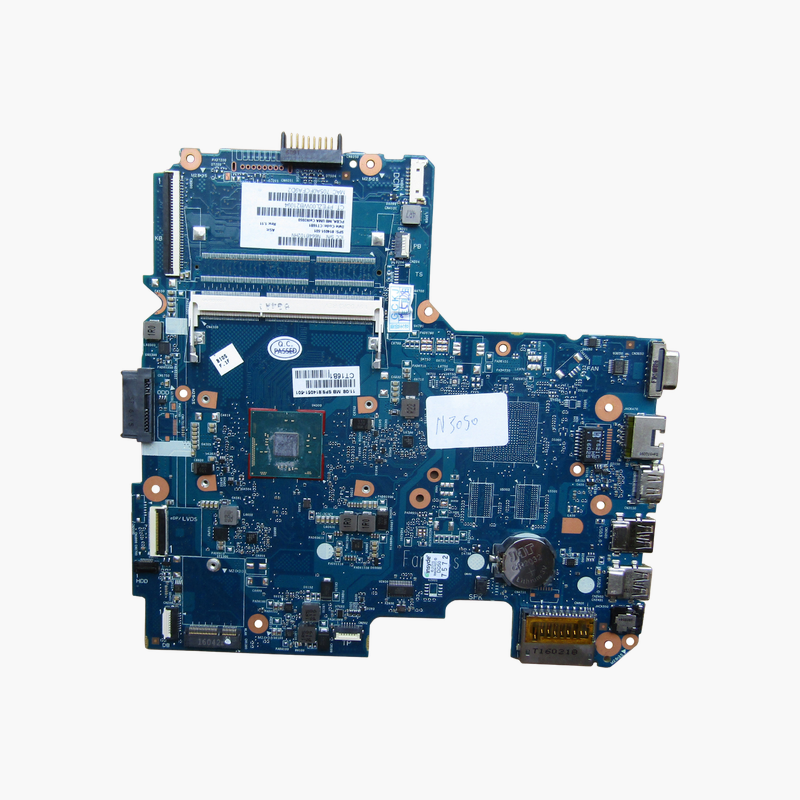
Fix a dead HP 240 G4 or 14-AC notebook by replacing only the motherboard.
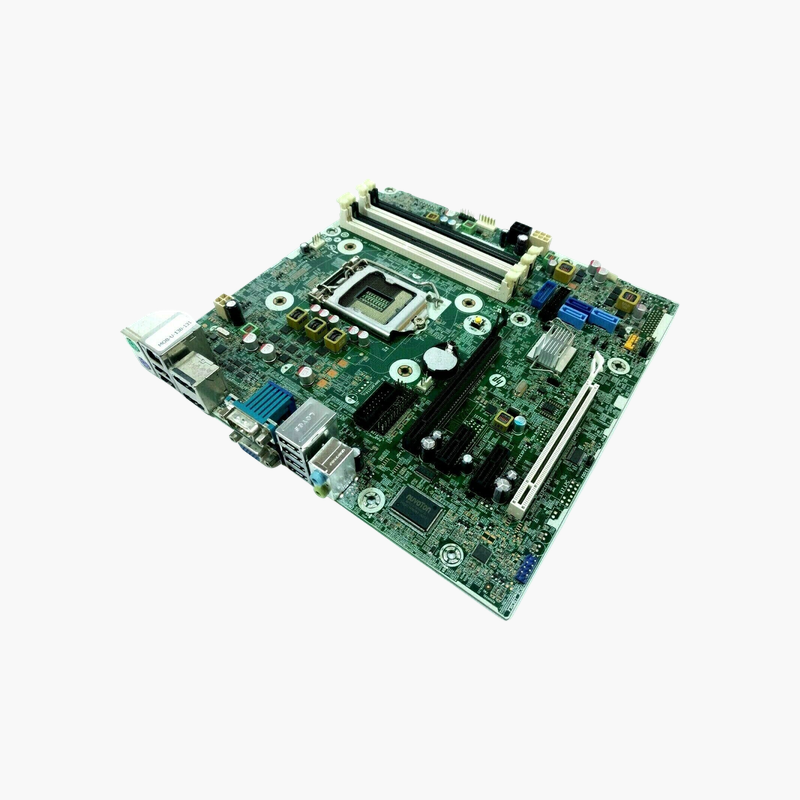
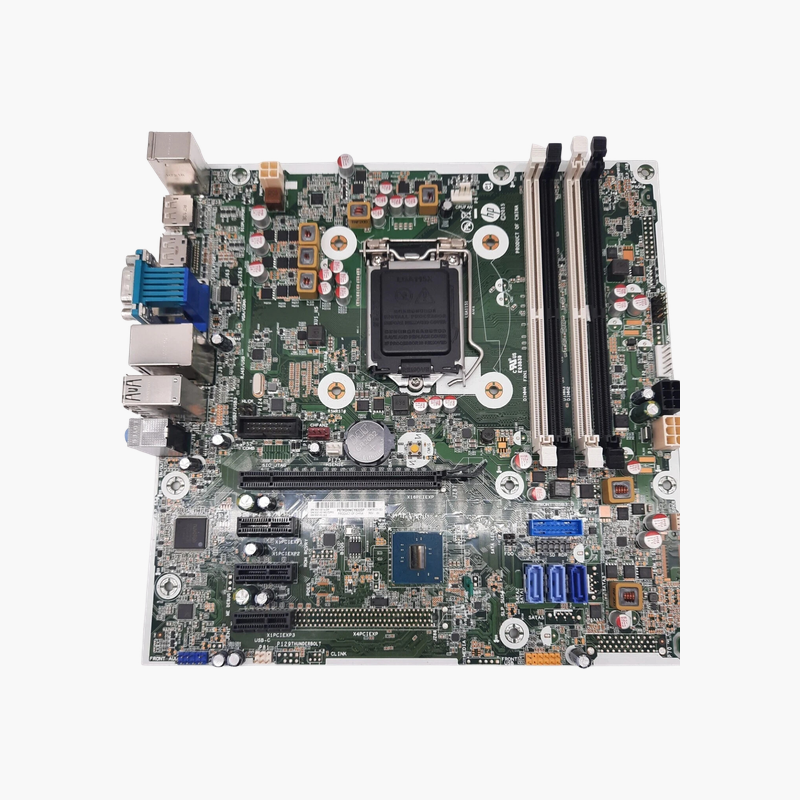
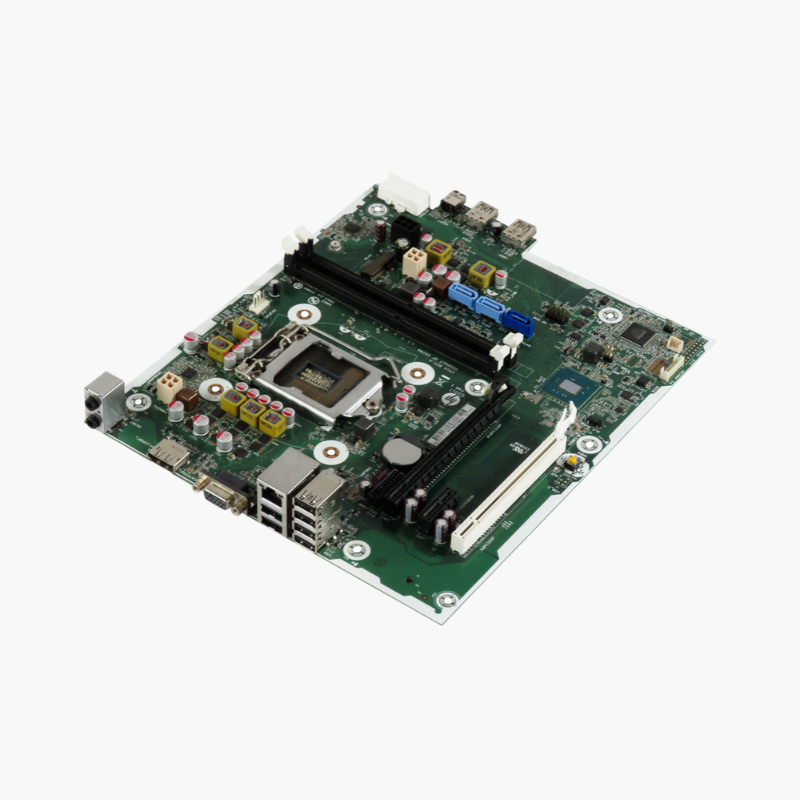
The HP 814051-001 is the replacement motherboard for HP 240 G4 and 14-AC series laptops. It comes with an Intel Celeron N3050 dual-core processor soldered on board, one DDR3L SO-DIMM slot for up to 8GB and integrated Intel HD Graphics. It is meant for repair shops, IT departments and owners restoring a failed notebook.
Repairing a Notebook With an Integrated Processor
On HP 240 G4 and 14-AC notebooks, the Celeron N3050 processor is soldered to the motherboard. A failed CPU, chipset or power circuit therefore means replacing the whole board; a separate processor cannot be fitted.
The 814051-001 board arrives with the processor already installed. You transfer the memory, storage drive, wireless card, battery and display connections from the old board, and the laptop works as before. For many users, this costs much less than replacing the notebook.
Matched to the Original Design
The board identifier 6050A2730601-MB-A01 matches the original Inventec board used in these HP models. Connector positions, mounting holes and port cutouts line up with the existing chassis, so no modification is needed.
Integrated Platform Details
The Intel Celeron N3050 is a dual-core, low-power processor with integrated Intel HD Graphics and its own platform controller. One DDR3L SO-DIMM slot supports up to 8GB, and the SATA interface supports the original 2.5-inch drive or a SATA SSD upgrade.
Setup Instructions
How to Replace the HP 240 G4 Motherboard
- Shut down the laptop, unplug the charger, remove the battery and bottom cover, and ground yourself before handling components.
- Disconnect the display, keyboard, touchpad, speaker and drive cables, then remove the memory, wireless card and old board.
- Fit the 814051-001 board, reinstall the DDR3L memory and wireless card, and reconnect all ribbon cables carefully.
- Reassemble, power on, confirm the BIOS detects memory and storage, and enter the serial number and product details in the BIOS if prompted.







Reviews
There are no reviews yet.