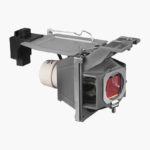
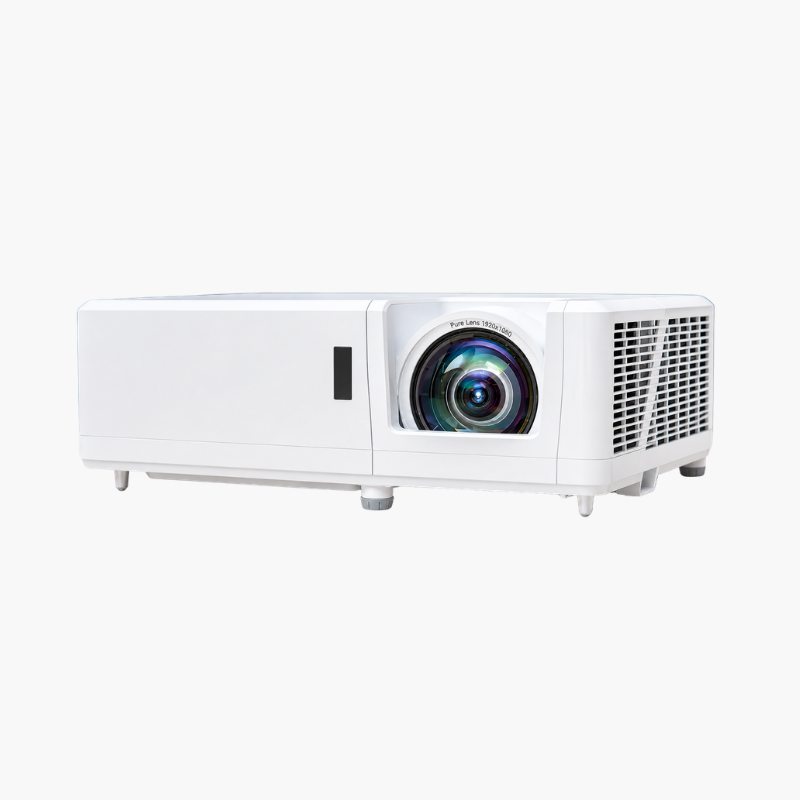
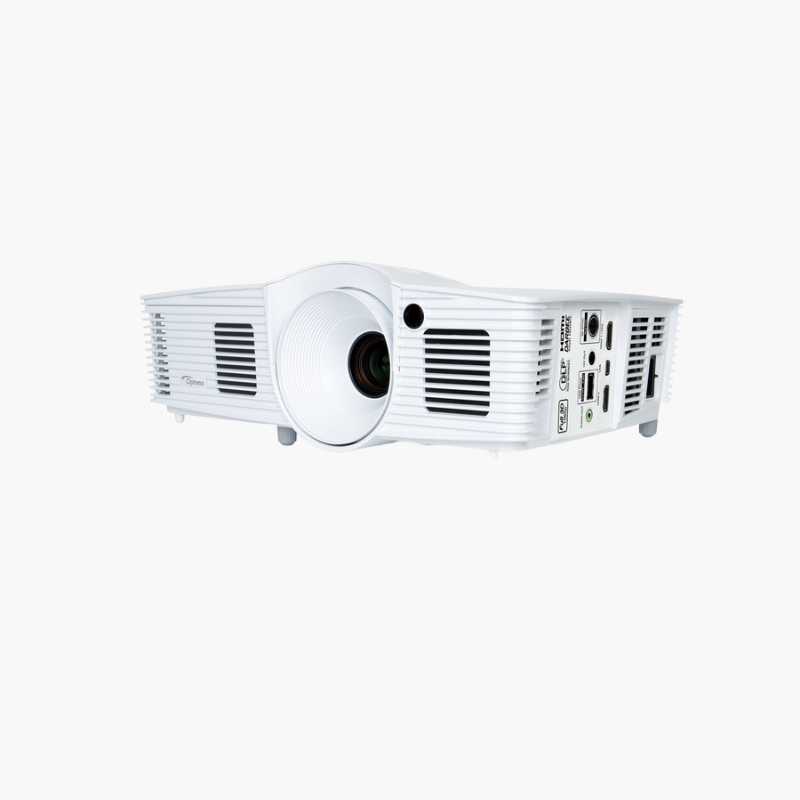
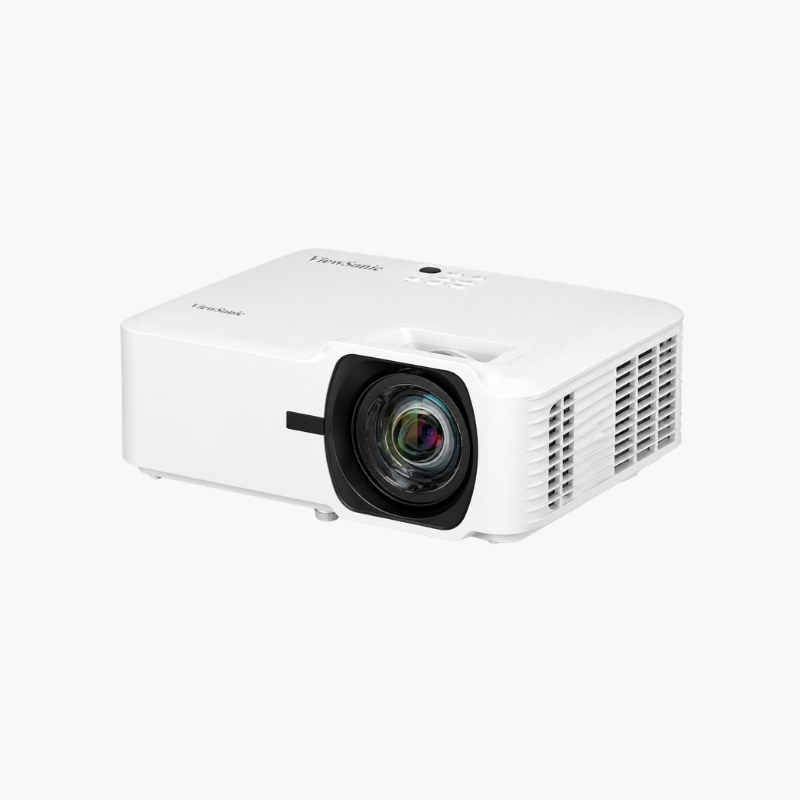
BenQ HT8050 Replacement Lamp Module (HT8050LAMP-001)
BenQ HT8050 Replacement Lamp Module (HT8050LAMP-001) Price on RequestRequest a quote for volume pricing, availability and lead time.
Back to products
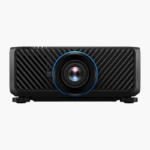
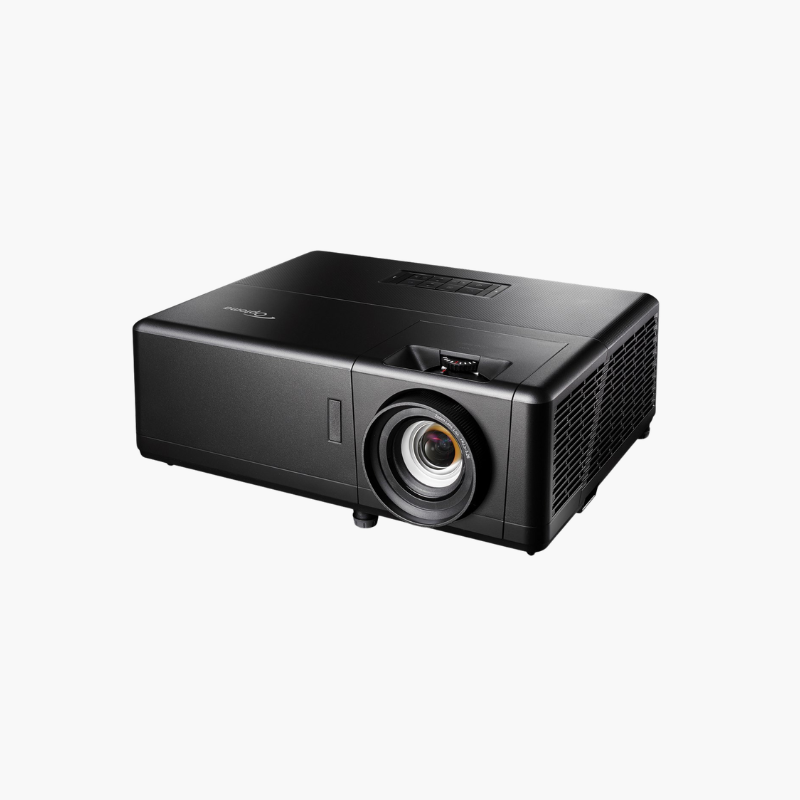
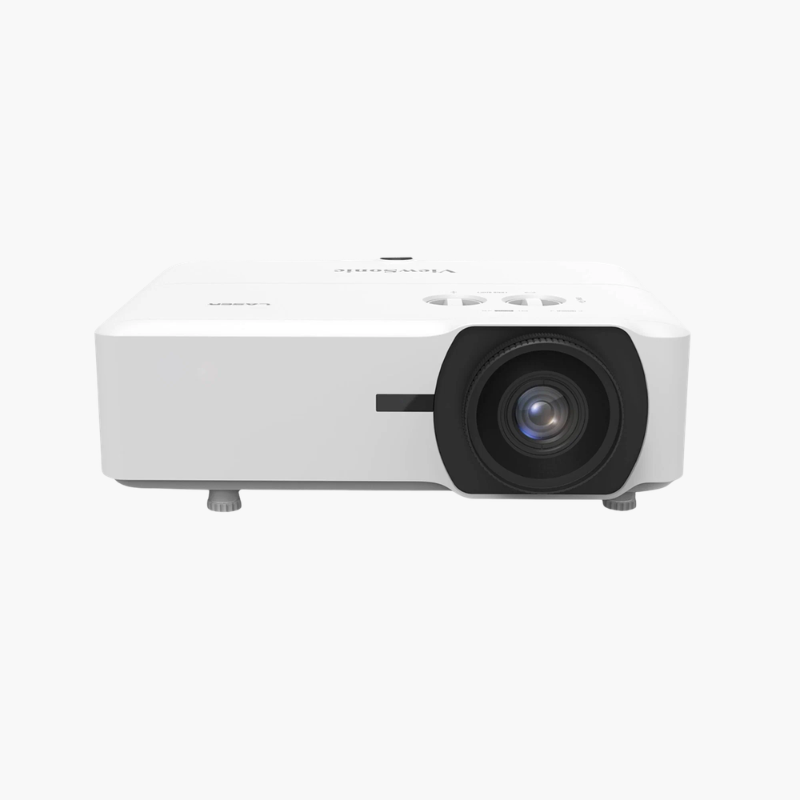
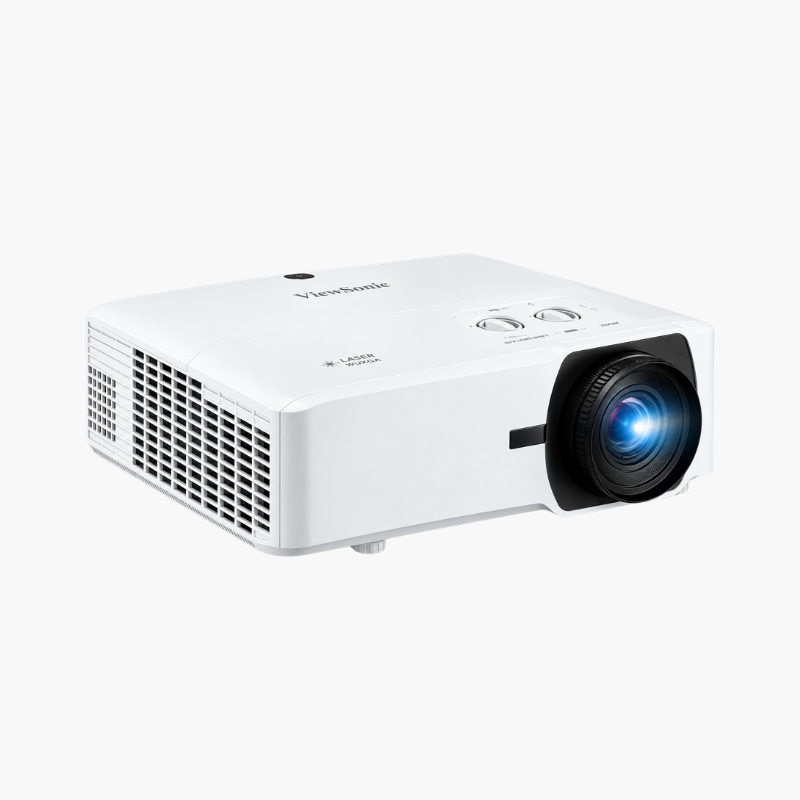
BenQ LU9800 WUXGA Large Venue Laser Projector (LU9800-001)
BenQ LU9800 WUXGA Large Venue Laser Projector (LU9800-001) – 10,000 Lumens, HDR10 Price on RequestRequest a quote for volume pricing, availability and lead time.

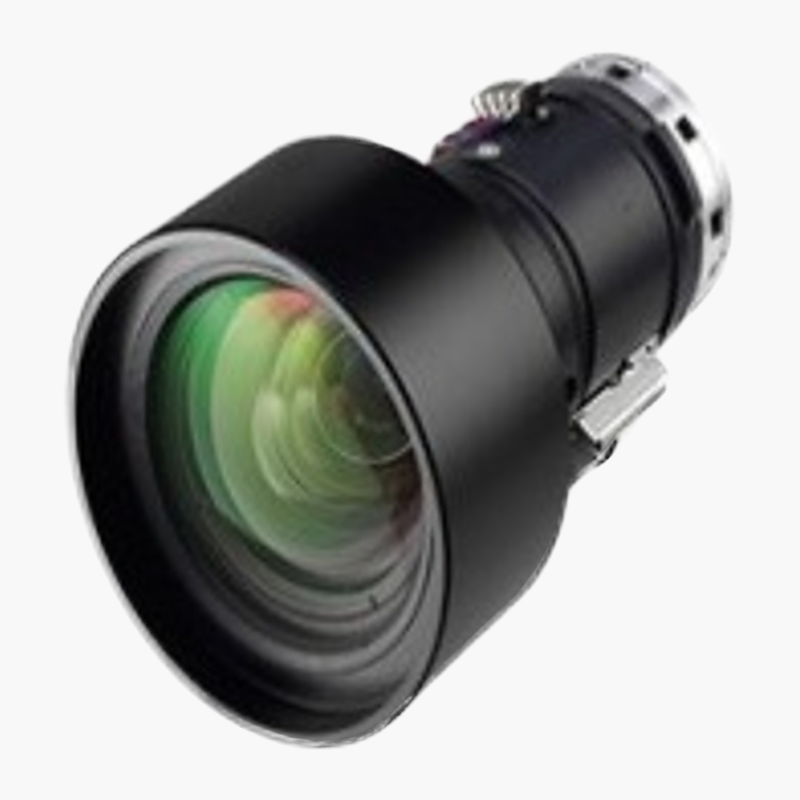
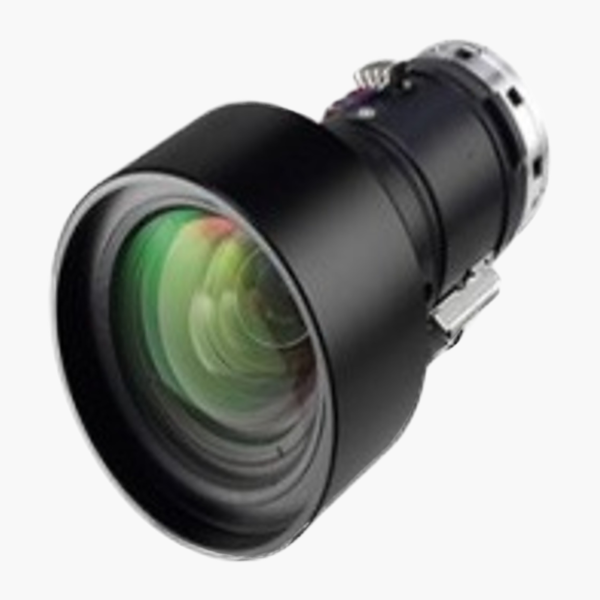
BenQ LS1ST1 Wide Zoom Projector Lens (LS1ST1) – 1.25–1.79:1 Throw Ratio

SKU: LS1ST1
  • 30-Day Hassle Free Returns
  • Secure Payment Options

Price on RequestRequest a quote for volume pricing, availability and lead time.

Key Value Highlights

  • Wide zoom lens (1.25–1.79:1 throw) – Fills a large screen from a shorter distance than a standard lens.
  • Optical zoom range – Fine-tune image size without moving the projector.
  • f/1.85–2.5 aperture – Keeps the image bright across the zoom range.
  • For BenQ interchangeable-lens laser projectors – Lets one projector suit rooms of different depths.
  • Installer-friendly – Swap lenses to match a venue instead of changing projector model.

Description

The BenQ LS1ST1 is a wide zoom lens for BenQ large-venue laser projectors with interchangeable lenses, such as the LU9800 and LU9915. It offers a 1.25–1.79:1 throw ratio, so installers can fill a large screen from a shorter distance in auditoriums, lecture halls and event spaces.

The right throw for every venue.

Match the Projector to the Room, Not the Other Way Around

Large venues rarely have the exact throw distance a standard lens needs. Mounting positions are fixed by ceilings, balconies or booths, and the wrong lens means an image that is too small or too large.

The LS1ST1 wide zoom lens gives a 1.25–1.79:1 throw range, so the same projector can fill the screen from closer positions while optical zoom fine-tunes the size.

Flexible Installation Distance

The zoom range lets installers place the projector closer to the screen than the standard lens allows.

Bright Optics

An f/1.85–2.5 aperture helps keep the projected image bright and evenly lit.

Setup Instructions

How to Install the BenQ LS1ST1 Lens

  1. Confirm your BenQ projector model supports the LS1ST1 lens.
  2. Power off the projector and remove the existing lens using the lens release.
  3. Insert the LS1ST1, rotate until it locks and replace any lens covers.
  4. Power on, run lens calibration if available, then set zoom, focus and lens shift.

Overview

BrandBenQ
Model NumberLS1ST1
Product TypeWide Zoom Projector Lens
Throw Ratio1.25–1.79:1
Aperturef/1.85–2.5
ZoomManual optical zoom
Compatible ProjectorsBenQ interchangeable-lens laser projectors (e.g., LU9915, LU9800 series)
100" Image Distance (16:10)Approx. 8.8–12.7 ft
Use CaseAuditoriums, lecture halls, venues
MaintenanceClean with blower and lens tissue only
CategoryProjector accessories
Lens TypeInterchangeable wide zoom lens
InstallationFits the projector’s interchangeable lens mount
ConditionBrand New
In the Box1x LS1ST1 lens, lens caps

Frequently Asked Questions

Find answers to common questions about this product.

Customer Reviews

Reviews

There are no reviews yet.

Be the first to review “BenQ LS1ST1 Wide Zoom Projector Lens (LS1ST1) – 1.25–1.79:1 Throw Ratio”

Your email address will not be published. Required fields are marked *