
Networking
Shop all 595 products
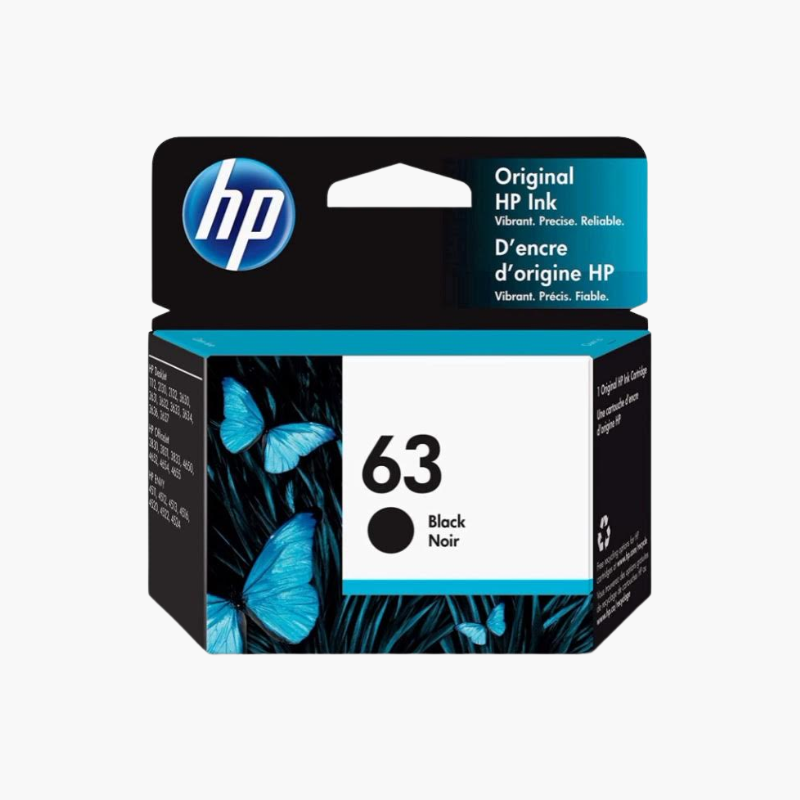
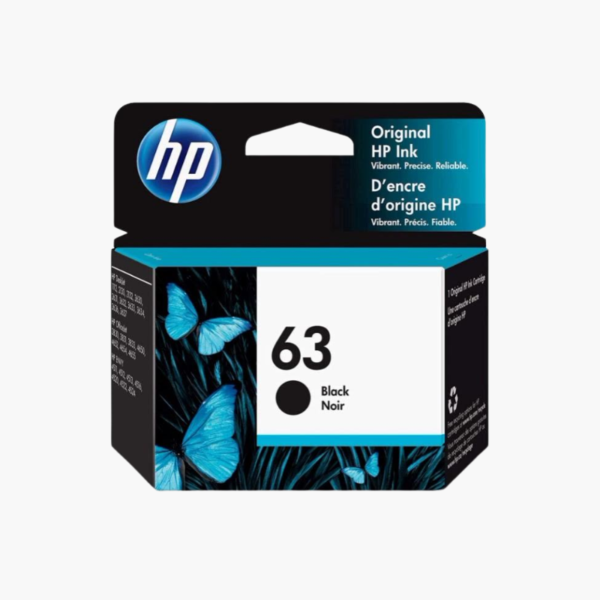
The HP 63 Black Original Ink Cartridge (F6U62AN) is a standard-yield replacement cartridge for HP DeskJet, ENVY, and OfficeJet printers that use HP 63 ink. It prints about 190 pages with pigment black ink and includes an integrated print head for consistent text quality on plain paper.
Deep-Dive Story & Problem/Solution
Faded Text and Streaks Signal a Cartridge at the End of Its Life
When black text turns gray or lines appear across the page, the cartridge is usually close to empty or its nozzles are worn. Cleaning cycles use more ink and seldom solve the problem for long.
Replacing the cartridge with a new HP 63 black restores print quality, because the print head is part of the cartridge itself.
The standard-yield size keeps the purchase price low for households that print only a few pages each week.
Compatible Printer Series
HP DeskJet 1112, 2130, 3630; HP ENVY 4510, 4520; HP OfficeJet 3830, 4650, 5255 and other models that accept HP 63 cartridges.
When to Choose XL
If you print more than about 50 pages a month, the HP 63XL black prints about 480 pages and costs less per page.
Setup Instructions
How to Install the HP 63 Black Cartridge
- Switch on the printer and open the cartridge access door.
- Press down on the old black cartridge and slide it out.
- Remove the protective tape from the new cartridge without touching the contacts.
- Push it into the right-hand slot until it clicks, close the door, and print the alignment page.















Reviews
There are no reviews yet.