
Networking
Shop all 595 products
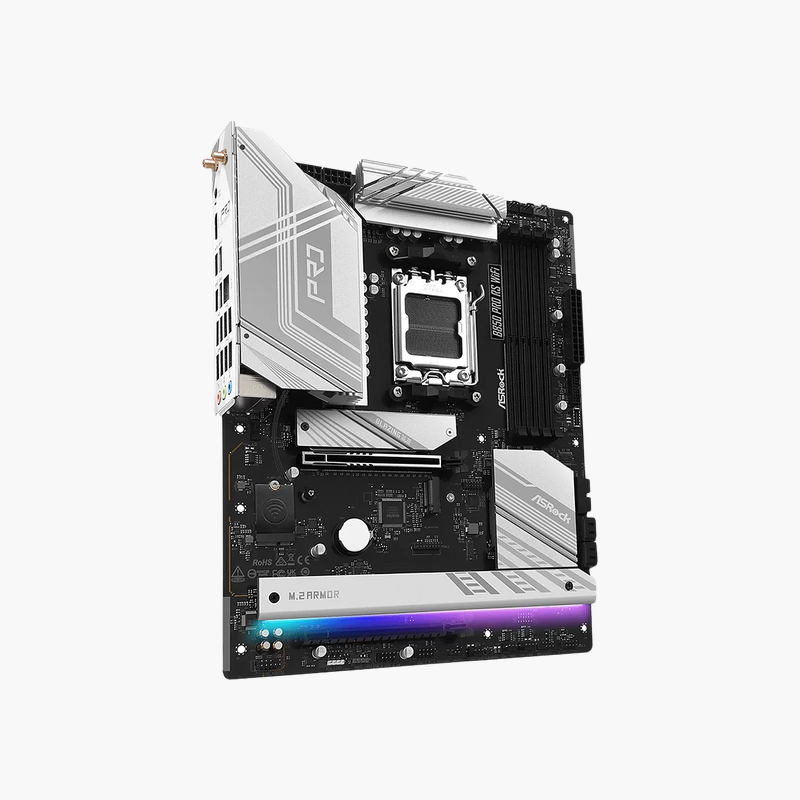
Mainstream AM5 with PCIe 5.0 graphics and storage plus built-in Wi-Fi 6E.
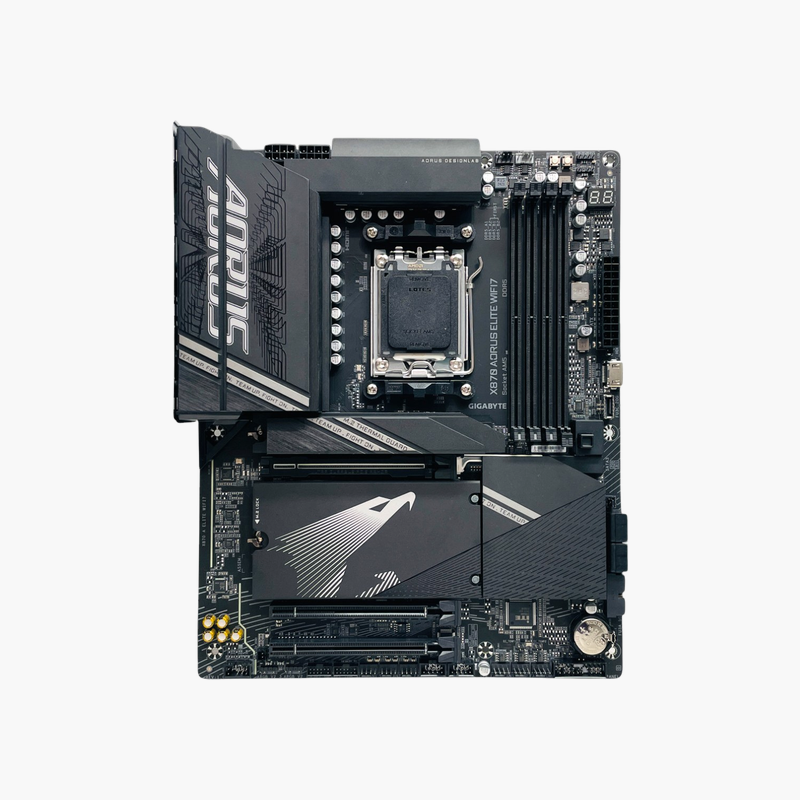
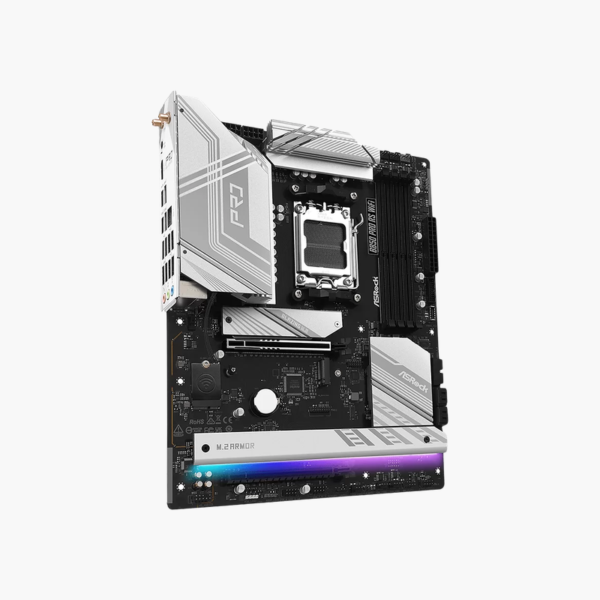
The ASRock B850 Pro RS WiFi is an ATX motherboard for AMD Ryzen 9000, 8000 and 7000 processors on Socket AM5. It supports up to 256GB of DDR5 at 8000+ MT/s (OC), a PCIe 5.0 x16 slot, PCIe 5.0 M.2 storage, 2.5G LAN and Wi-Fi 6E. It suits gaming, streaming and home-office builds.
PCIe 5.0 on a Mainstream AM5 Budget
On many B650 boards, PCIe 5.0 is missing from either the graphics slot or the M.2 slots. That limits future upgrades to Gen5 SSDs and next-generation graphics cards.
The B850 chipset makes PCIe 5.0 a standard feature, and the B850 Pro RS WiFi provides it on both the x16 graphics slot and the primary M.2 slot. Together with Wi-Fi 6E and 2.5G LAN, the board covers current needs and leaves headroom for upgrades.
Storage and Expansion
M.2 slots support PCIe 5.0 and PCIe 4.0 NVMe SSDs, and SATA 6Gb/s ports handle hard drives and SATA SSDs. The PCIe 5.0 x16 slot is joined by additional PCIe slots for capture, network or storage cards.
Connectivity
A Wi-Fi 6E module with Bluetooth and a 2.5G LAN port handle networking. The rear panel offers USB 3.2 Gen2x2, Gen 2, Gen 1 and USB 2.0 ports, plus HDMI output for Ryzen integrated graphics and 7.1-channel HD audio.
Setup Instructions
How to Install the ASRock B850 Pro RS WiFi
- Install the AM5 Ryzen processor and cooler, then fit DDR5 memory (A2 and B2 for two sticks) and your M.2 SSD before mounting the board.
- Mount the board in the case and connect the 24-pin ATX, CPU power and front-panel headers.
- Install the graphics card in the top PCIe 5.0 x16 slot and attach the Wi-Fi antenna.
- Power on into the UEFI BIOS, enable the XMP/EXPO memory profile, update the BIOS using Instant Flash, and install ASRock chipset, LAN and audio drivers.





Reviews
There are no reviews yet.